
By Diego Cabral
The article is also available on X.
Introduction
John Bogle, founder of Vanguard, once said:
“Don’t look for the needle in the haystack. Just buy the haystack.”
That idea built Vanguard into a $10 trillion firm and changed how a generation invests. Crypto, for all its innovation, never had an equivalent. Until now.
If you have followed crypto markets, you already know these scenarios:
BTC dominance ticking up while altcoins bleed
The rest of the market catching up while BTC goes sideways
Altcoins lagging while ETH and SOL lead the move
You tracked them, formed a view, and then spent the next hour assembling a basket of tokens, rebalancing as prices moved, and ending up with a position that only loosely reflected the original thesis you started with.
The problem was never the view. The instrument simply did not exist.
That’s the gap Paragon is trying to bridge.
What Is Paragon?
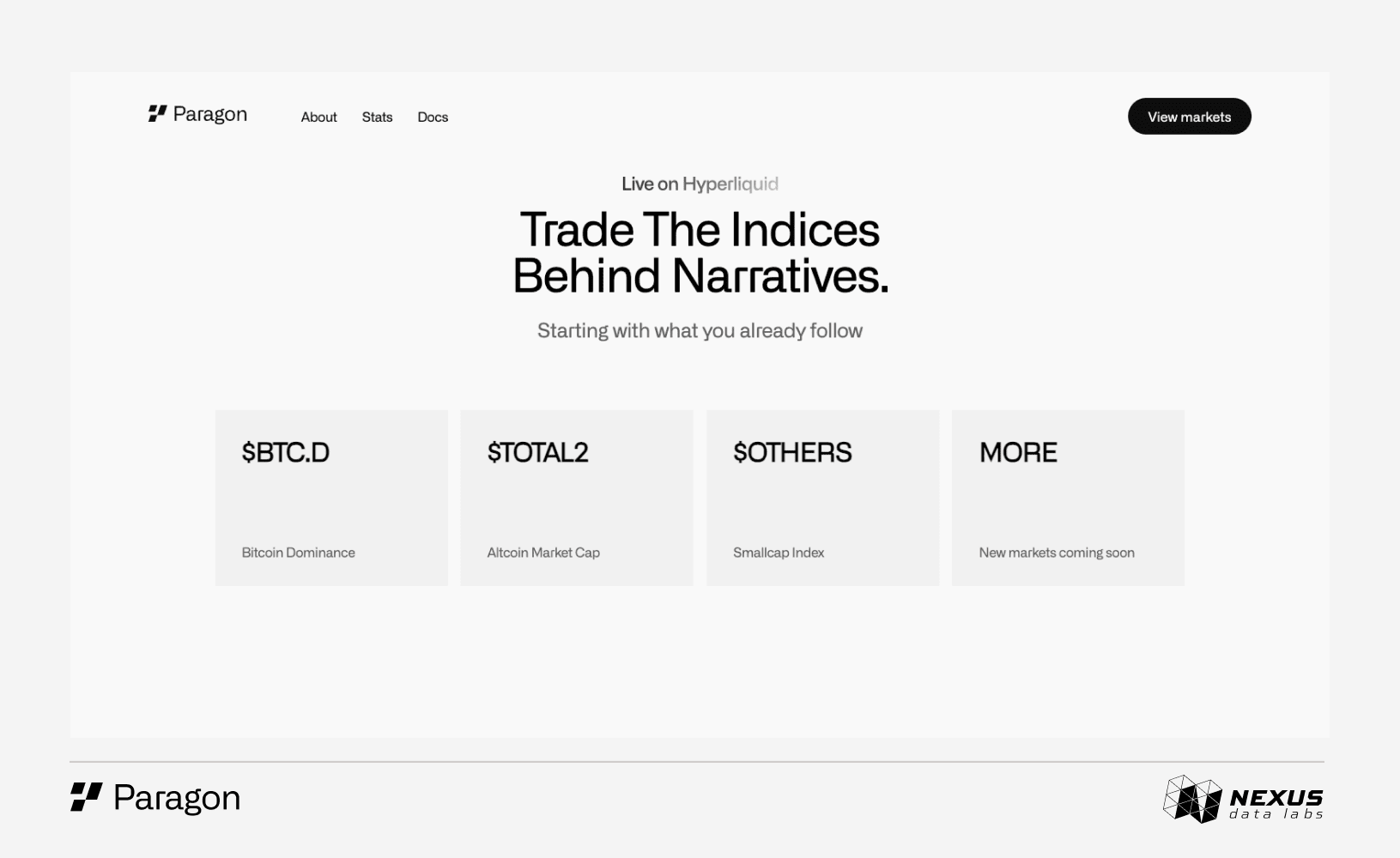
Paragon is a trading platform that turns crypto market indices into tradeable perpetual contracts, built natively on Hyperliquid. The same benchmarks tracked on TradingView are now tradeable as perpetuals:
BTC.D: Bitcoin’s dominance
TOTAL2: Total altcoin market cap
OTHERS: Total market cap excluding the top 10 assets
All three are now tradeable as single positions. No baskets. No rebalancing.
Paragon runs natively on Hyperliquid, using USDC collateral, standard order types, low latency, and onchain settlement.
The Three Available Markets
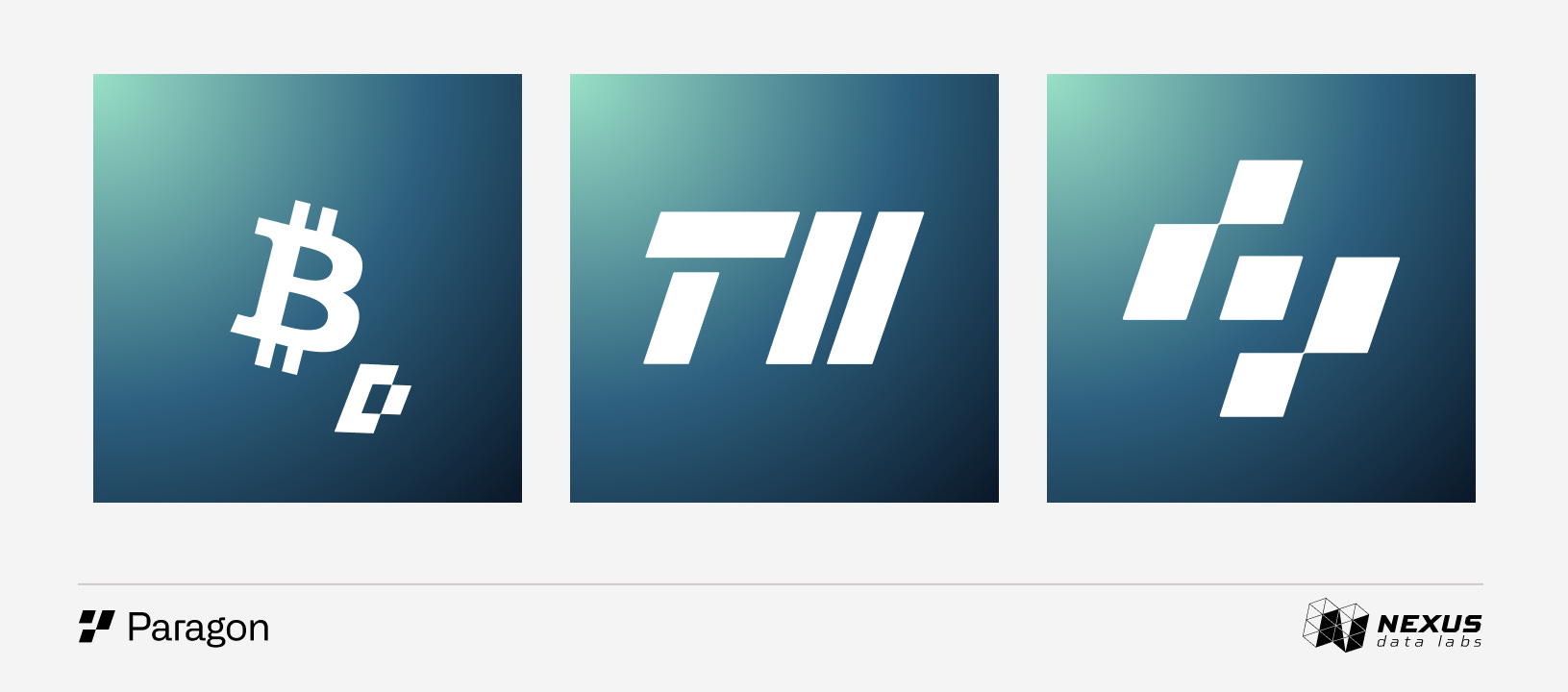
BTC.D measures Bitcoin's share of the total crypto market. It indicates whether capital is concentrated in Bitcoin or spread across the broader market.
TOTAL2 tracks the total crypto market cap excluding Bitcoin. It captures whether capital is flowing into the broader altcoin market.
OTHERS covers the total crypto market cap excluding the top 10 assets. It shows whether capital is reaching the small and mid-cap end of the market.
More markets are in development. These three markets cover the most important macro views in crypto.
Why This Actually Matters
Before Paragon, expressing a view on BTC Dominance meant building a multi-leg position across multiple assets, constantly adjusting as prices moved. The exposure was always imperfect, and the rebalancing was endless. There was no clean way to express the view.
Now that exact view fits into one position. Long BTC.D. That is it.
The same logic applies to hedging. For anyone holding a portfolio of altcoins and concerned about downside, shorting TOTAL2 provides index-level protection against a broad altcoin drawdown without liquidating existing positions.
One position. Clean exposure.
How to Start Trading
Step 1: Go to app.hyperliquid.xyz
Paragon markets are live on Hyperliquid's native trading interface. For anyone already on Hyperliquid, no additional setup is required.
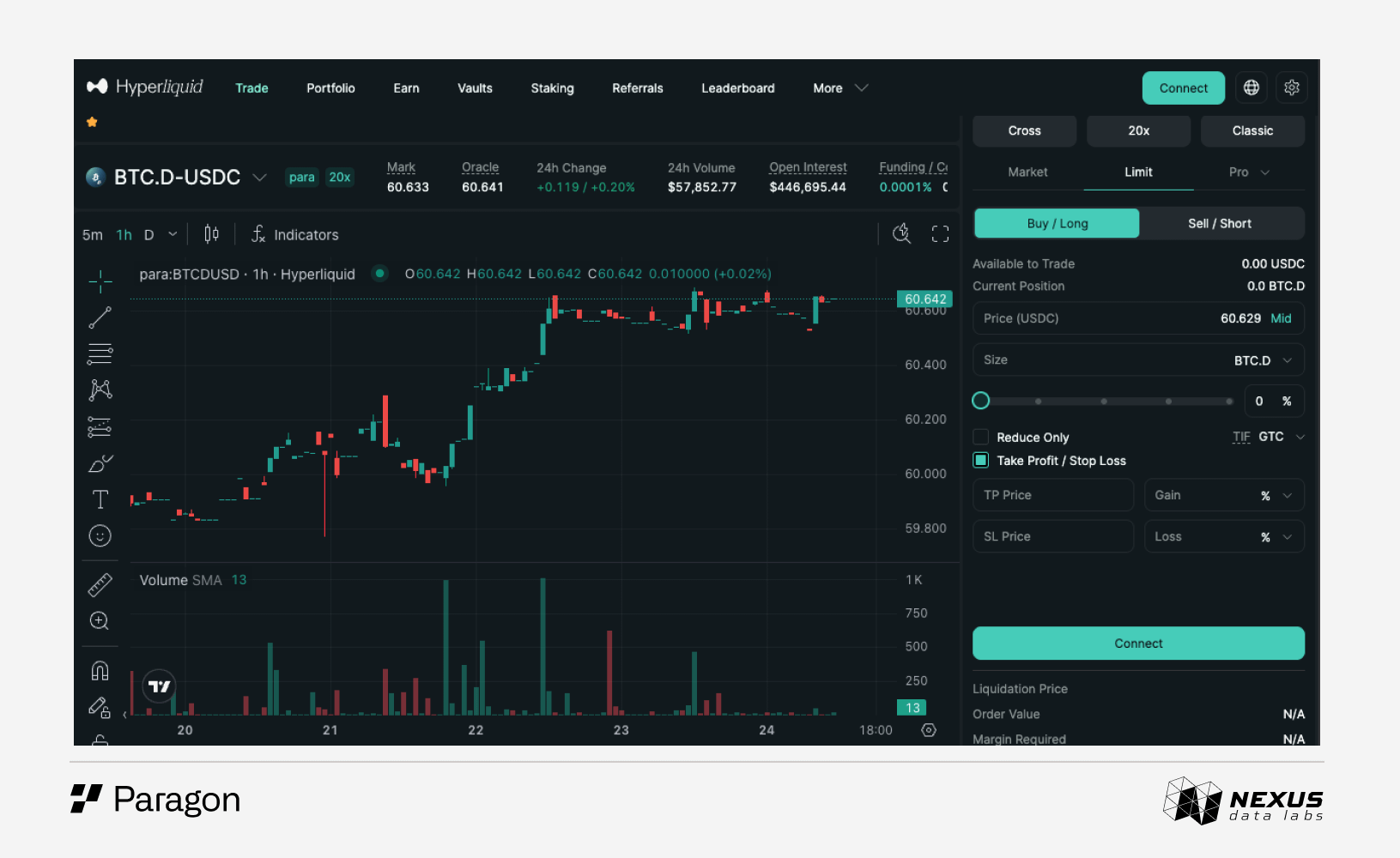
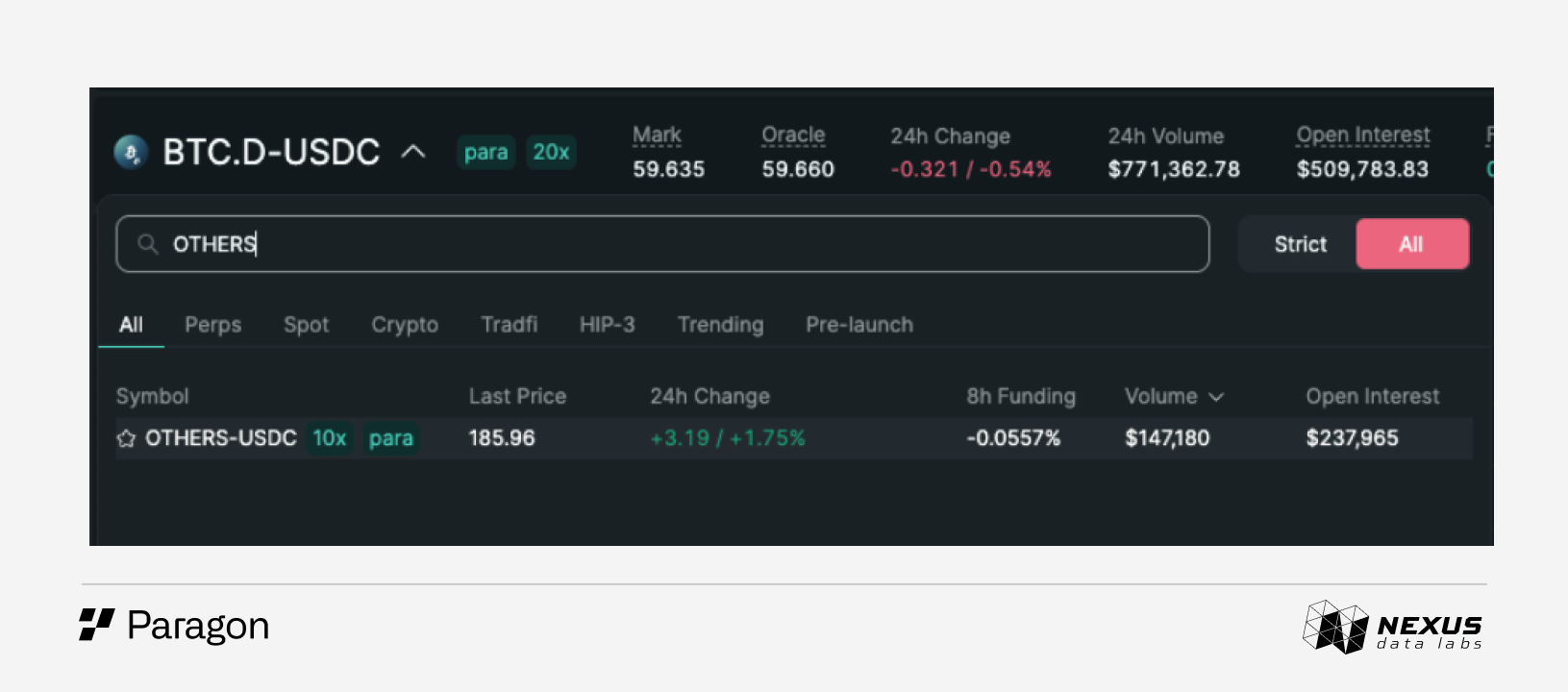
Step 2: Search for the market
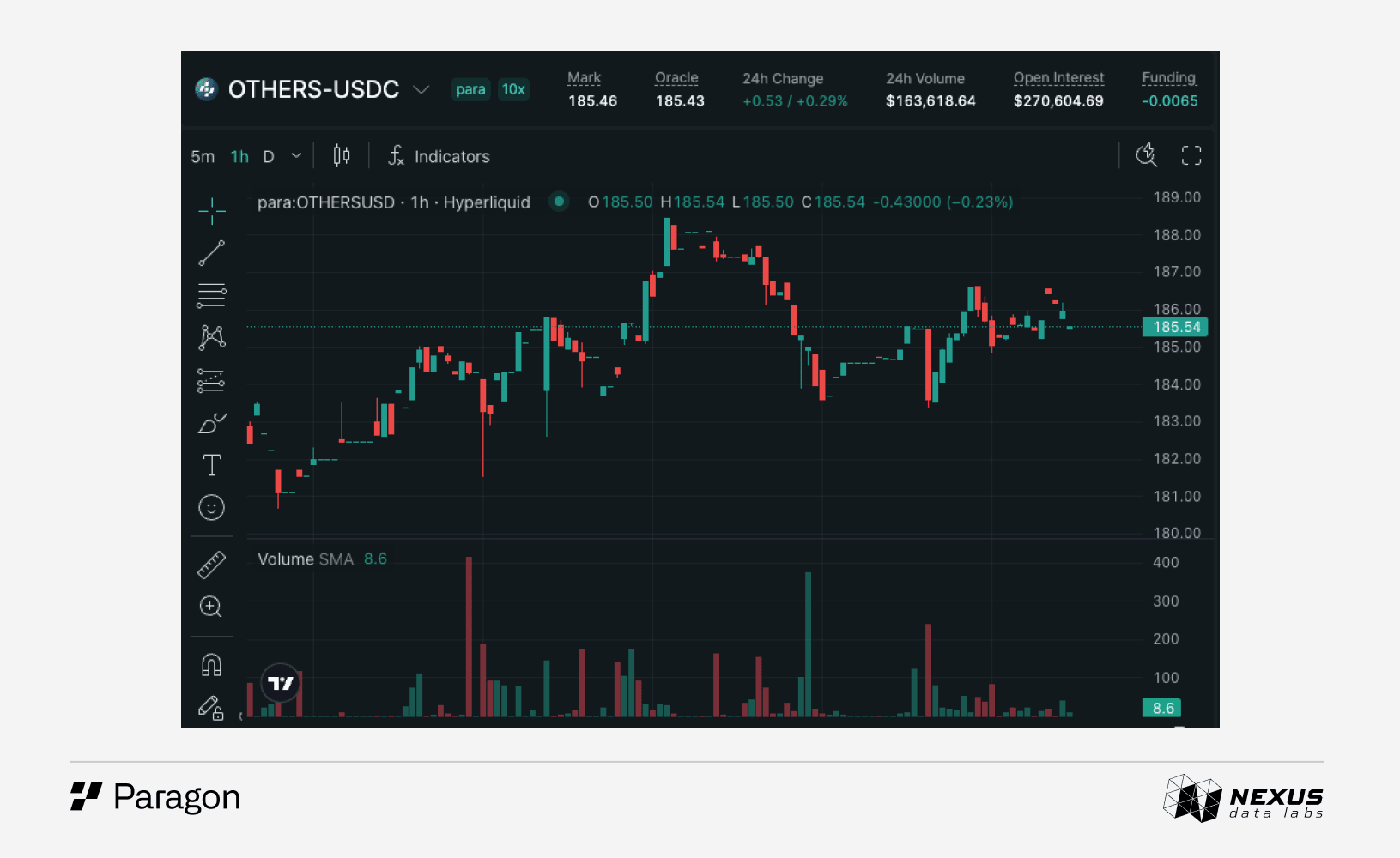
In the Hyperliquid search bar, type BTC.D, TOTAL2, or OTHERS. Paragon markets appear with the para: prefix (e.g. para:OTHERS)
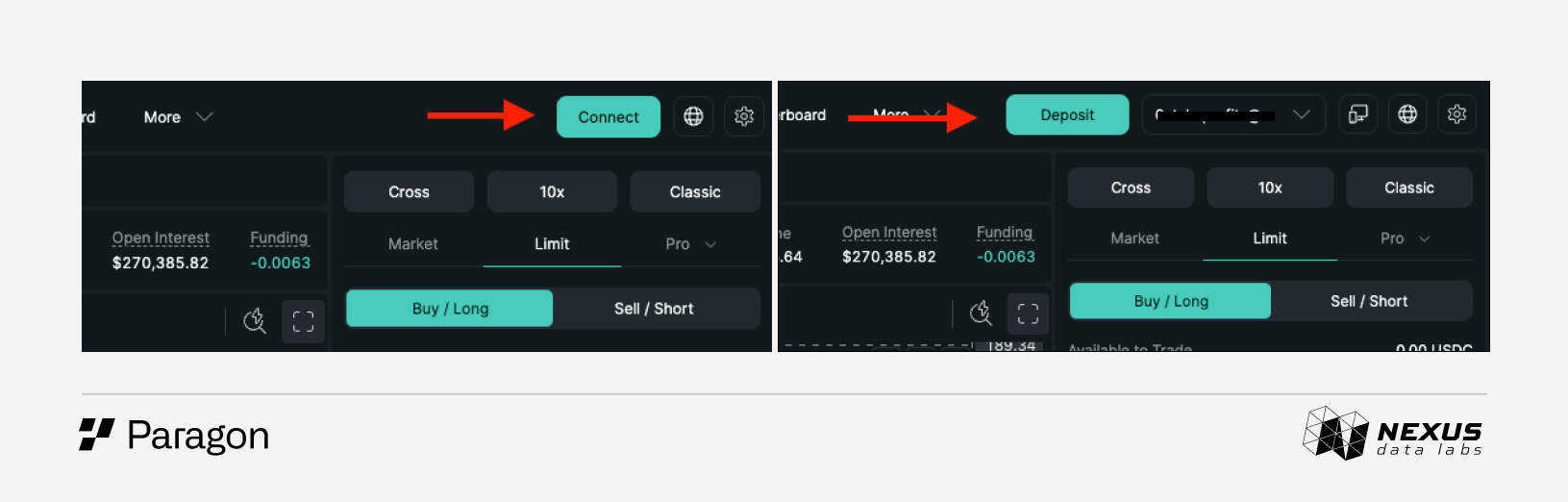
Step 3: Connect your wallet
Click Connect in the top right corner and log in with an email or a compatible wallet such as Rabby or MetaMask. If funds are already on Hyperliquid, trading is available immediately. If not, click the deposit button in the top menu, select the asset and network, and transfer funds before placing a trade.
Step 4: Choose direction and size
Decide whether to go long (the index is expected to rise) or short (the index is expected to fall). Enter the position size in the trading panel on the right side of the screen. Max leverage is 50x, but keeping it low is the right call for beginners. These indices can move quickly during macro shifts.
Collateral is USDC, and there is no expiry date. The position stays open until it is closed.
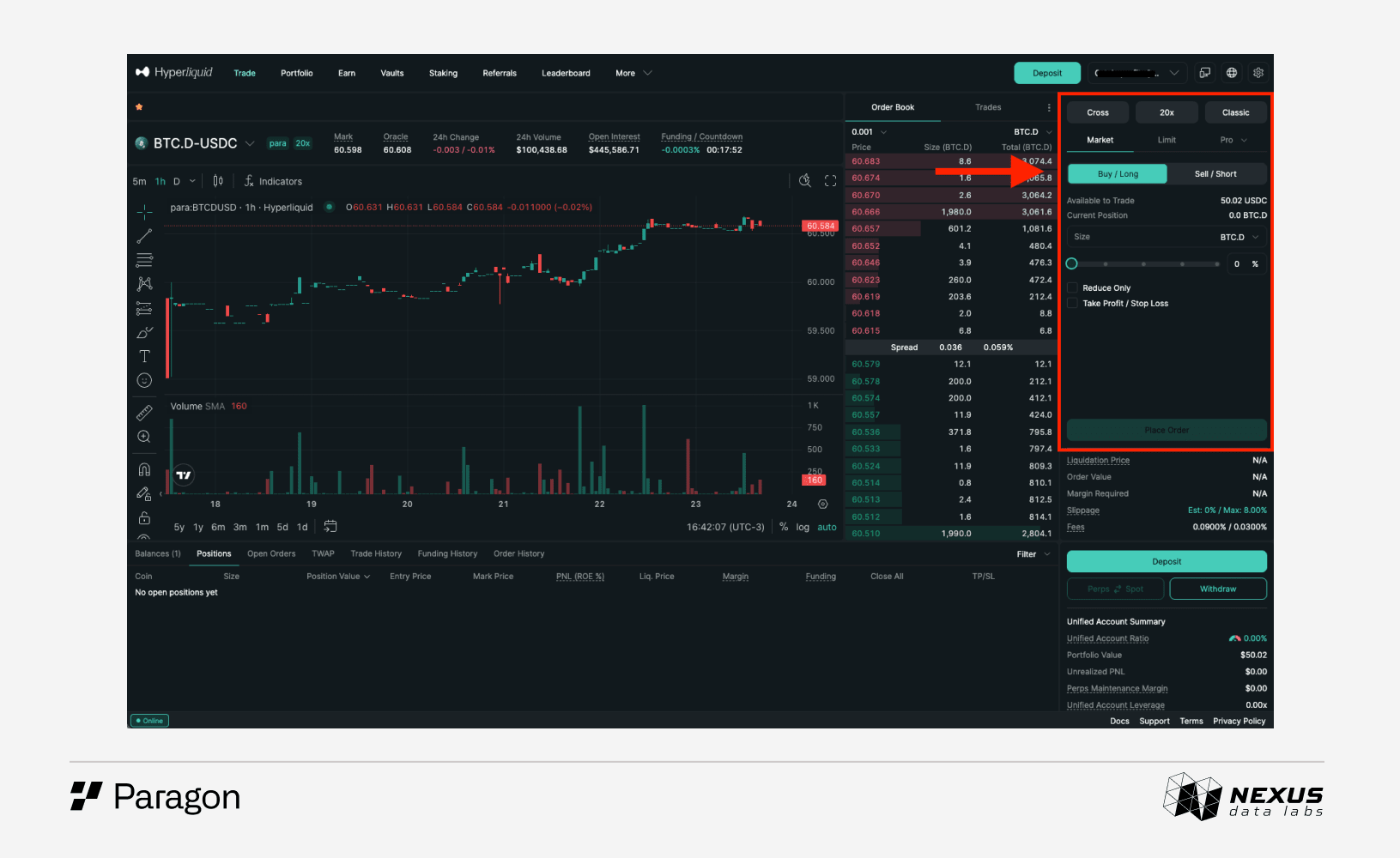
Step 5: Pick an order type
Market order. Executes immediately at the current price. Fast, but takes whatever spread exists at that moment.
Limit order. Set a specific entry price. Better for precision.
Stop order. Closes the position automatically if the index moves against it.
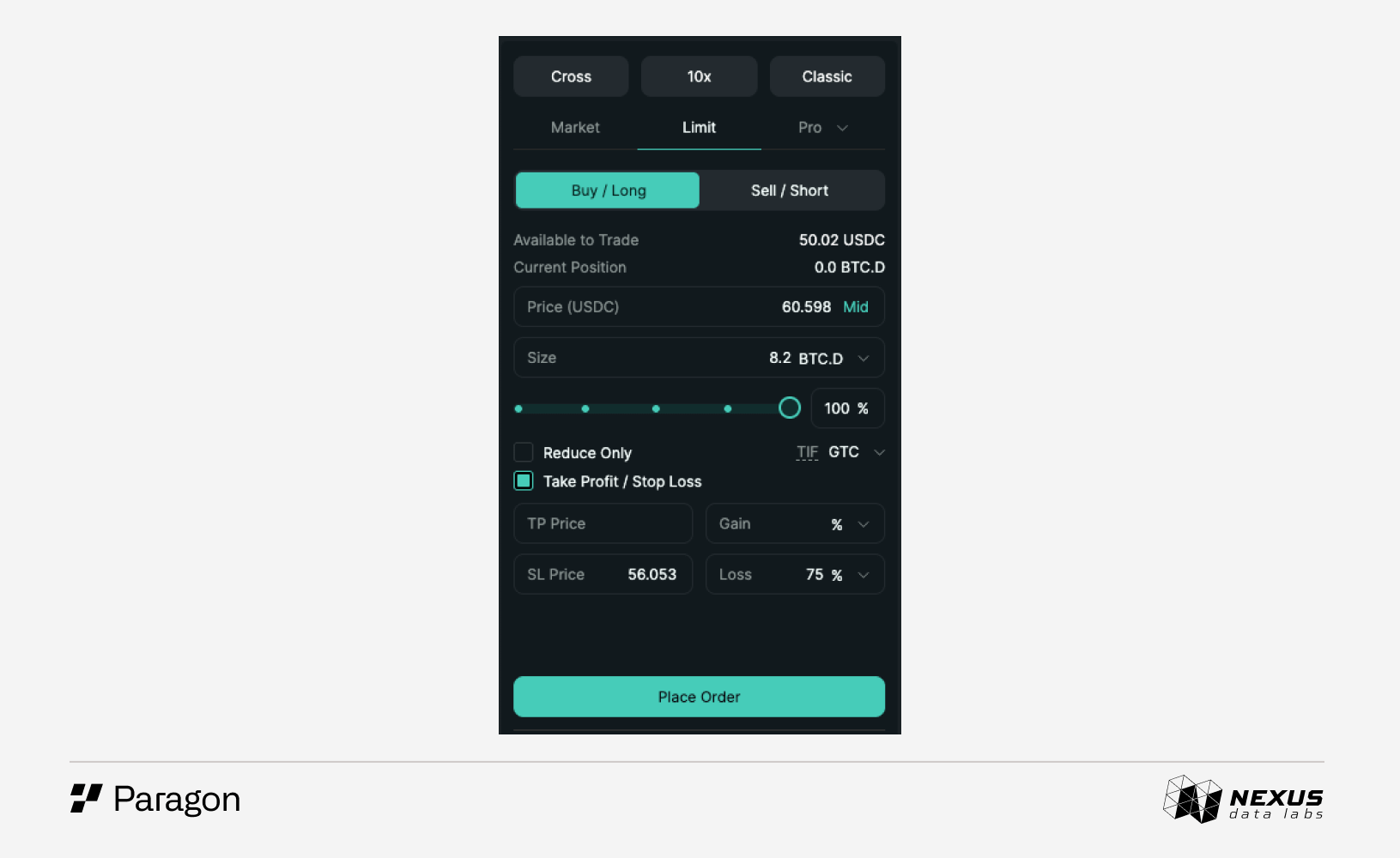
A limit order near the current price is the cleanest way to enter for most people starting out.
Step 6: Confirm and monitor
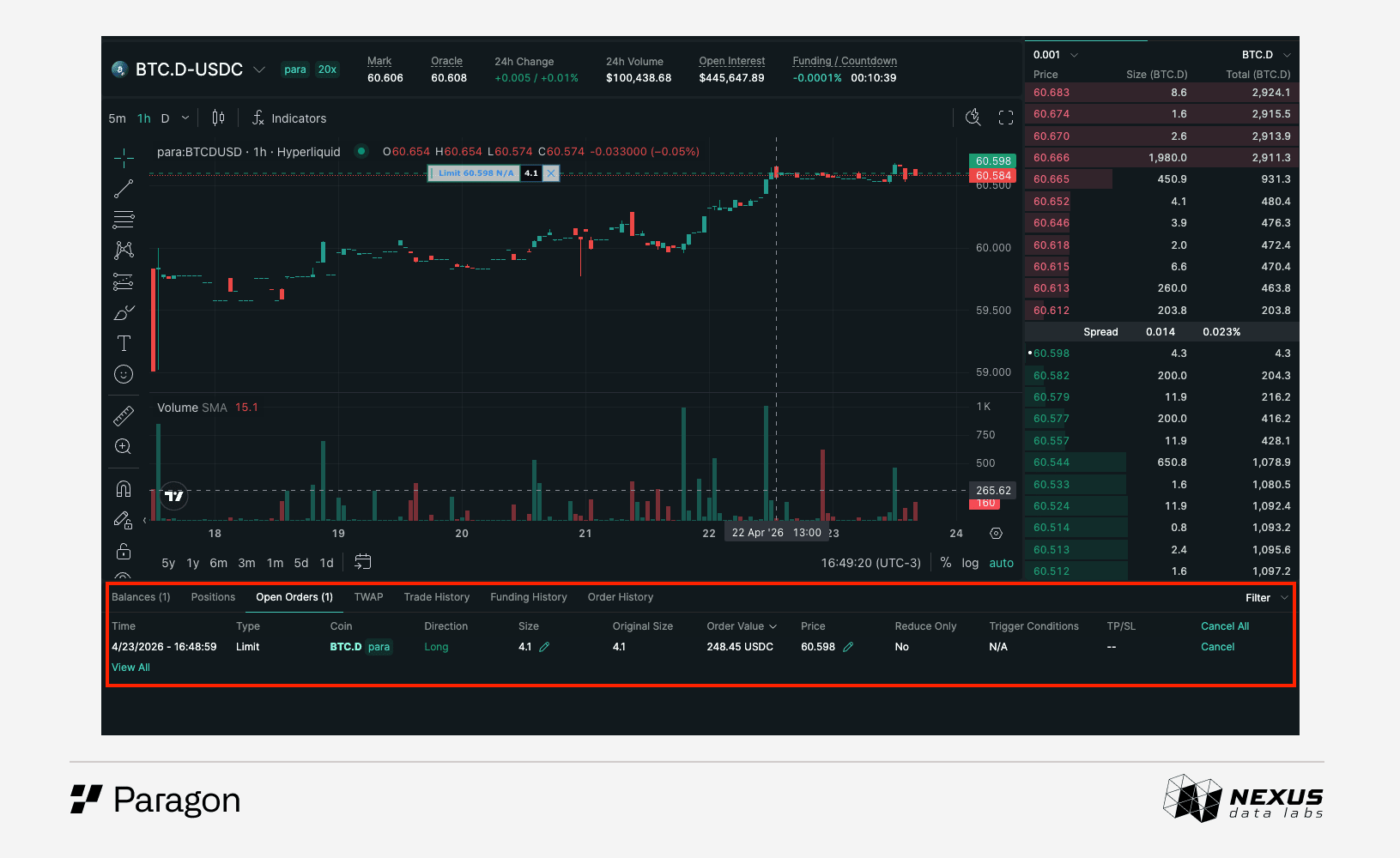
Once the order fills, it appears in the positions panel. Funding is paid hourly, standard Hyperliquid mechanics, so keep an eye on that cost when holding for extended periods. Open orders and positions can be managed at any time in the panel below the main chart.
A Few Ways to Use Paragon
Alt season thesis: Long TOTAL2 when the broader altcoin market is showing signs of momentum without having to pick individual tokens.
Bitcoin dominance play: Long BTC.D when the market is favoring Bitcoin over the broader altcoin market.
Portfolio hedge: Short OTHERS to protect a small-cap portfolio against a broad market drawdown without liquidating existing positions.
Relative value: Long BTC.D and short BTC simultaneously to express a pure dominance view, isolating the signal from Bitcoin's price direction entirely.
Bottom Line
Paragon is the first venue that makes the crypto macro view directly tradeable. BTC Dominance, the broader altcoin market, and the long tail of small caps are the frameworks traders rely on to navigate crypto cycles. Until now, acting on those views required assembling multiple positions, managing constant rebalancing, and accepting imperfect exposure.
Paragon collapses that into a single instrument. The view is the position.
Learn more at Paragon.trade
Disclaimer
This article was produced in partnership with Paragon. The content is for informational and educational purposes only and does not constitute financial, investment, or trading advice. Nothing in this article should be relied on as a recommendation to buy, sell, or hold any digital asset. Do your own research before making any trading decisions.